March 6 2010 by
Adnan in
IPHONE |
About a week ago, I was feeling that my iPhone has taken some boorish look and needs a must modification. So, I started working out on changing its appearance. The first thing I changed was the theme of the phone and that was a hefty process since I searched all the way sorting each and every theme available to date. In that very process, I took one theme out of hundreds. Well, I will make your selection process quite simple by indexing the themes according to their look and performance.
By the way, if you are new to the iPhone themes, you need to check the following links if you don’t know how to apply for the themes. You will be requiring a jailbroken iPhone in order to apply these themes.
How to install themes on a jailbroken iPhone
How to Jailbreak iPhone 3G/3GS with Sn0wbreeze
The following is the list of themes, I hope you will enjoy all of them.
************
************
************
************
NOTE: If any of our readers don’t like the numbering of the themes, kindly help me rearrange it by sending your suggestions at adnan@techskipper.com , I would really appreciate your precious input.
************
************
************
************
1) GUCCI iPhone Theme
What did you say ‘GUCCI’ ? Yes, it is not a hand bag, a shoe or a shirt this time, they have produced a theme for people having feelings for both iphone and ‘GUCCI’. Check this out:

Download GUCCI iPhone Theme
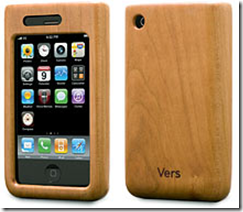
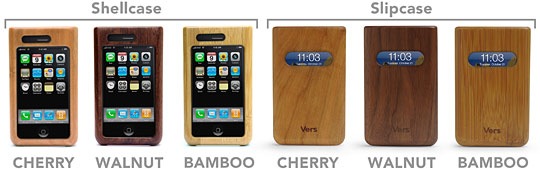
2) WOOD iPhone Theme
Its simple and its all wood which takes to number 2 position.

Download WOOD iphone Theme
Continue reading »